 AI Photo Studio
Remove people, objects & backgrounds from any photo
Paint over anything you don't want — a photobomber, a bin, a stranger in your holiday shot — and AI fills it in with natural background. Remove backgrounds in one tap. No skills, no download.

- Free background remover
- 3 free Remove Person credits
- Works on iPhone, Android & desktop
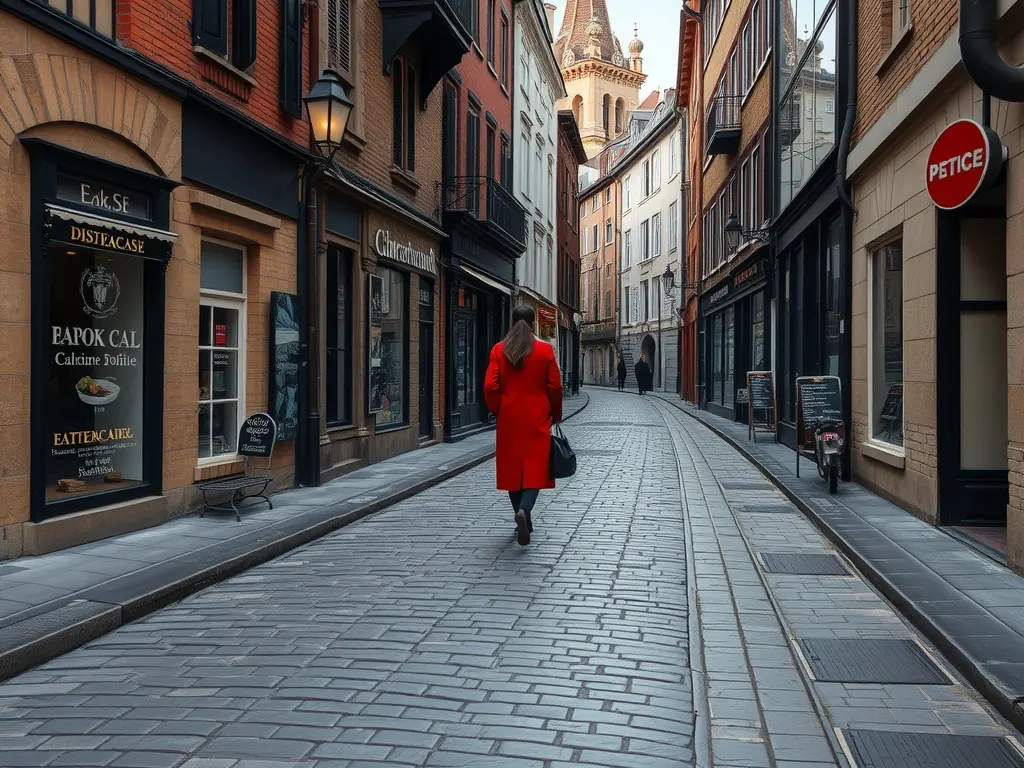
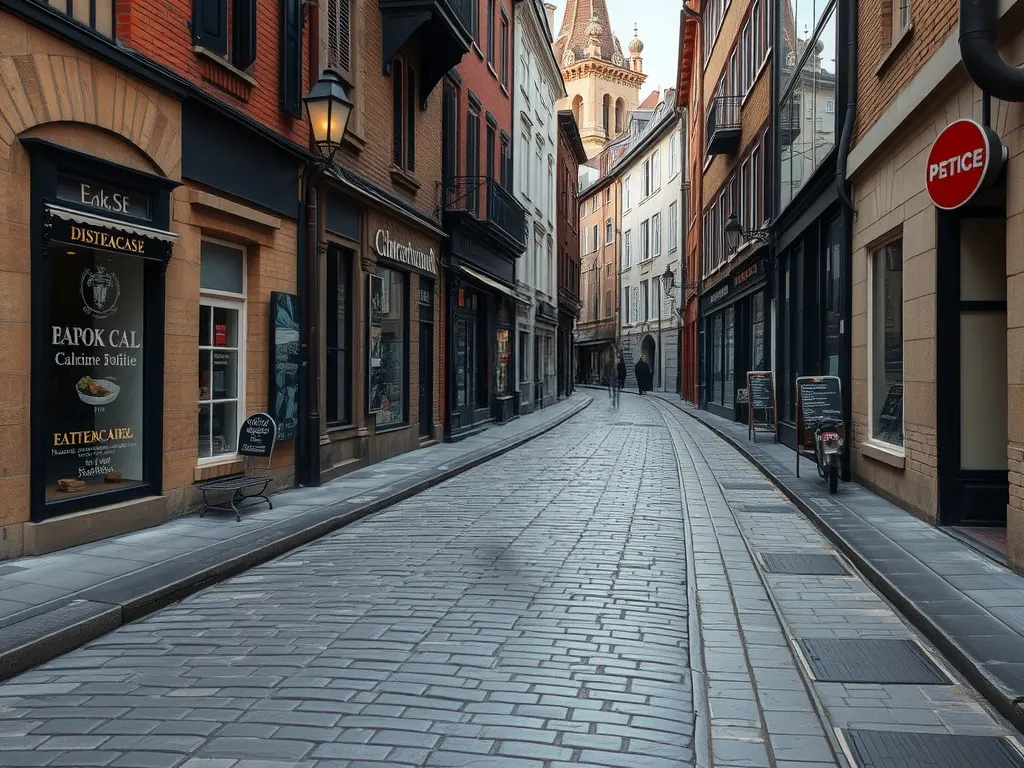 BeforeAfter
Drag to compare · real result from AI Photo Studio
Clean up a photo in three steps
No layers, no clone stamp, no learning curve.
Upload your photo
Pick any JPG, PNG or phone photo. It opens straight in the editor.
Paint over it
Brush over the person or object you want gone — include its shadow for the cleanest result.
Download
AI rebuilds the background in seconds. Save to your device or your cloud gallery.
Real results, not mock-ups
Every example below was made with the same Remove Person tool you get in the editor.
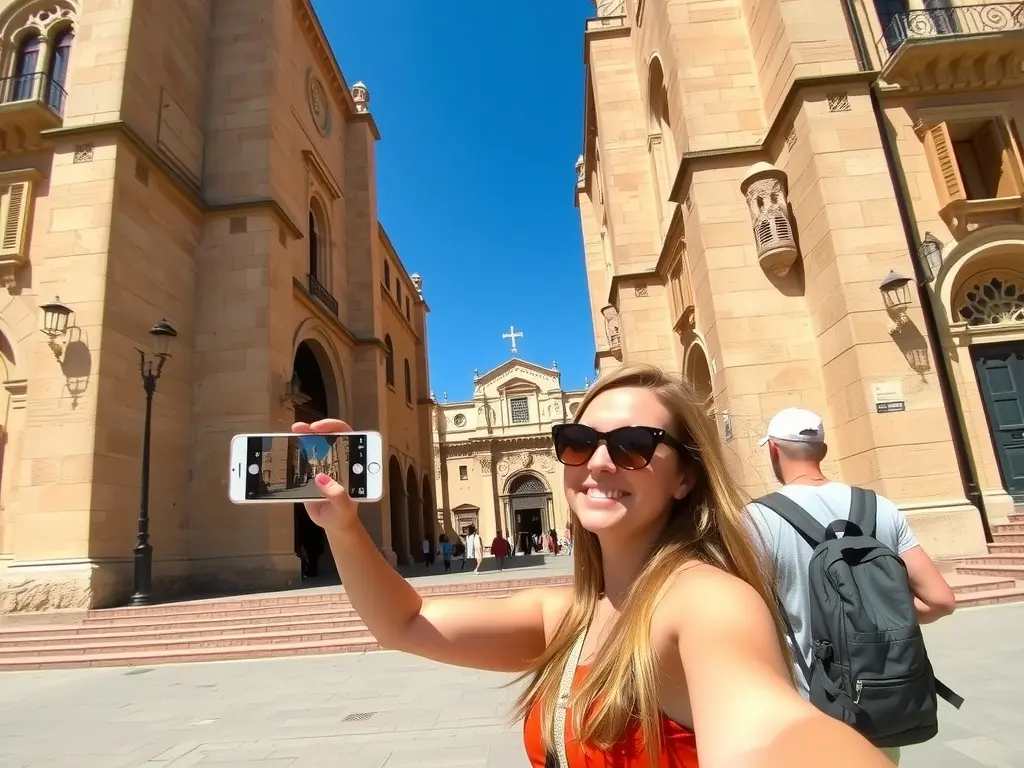
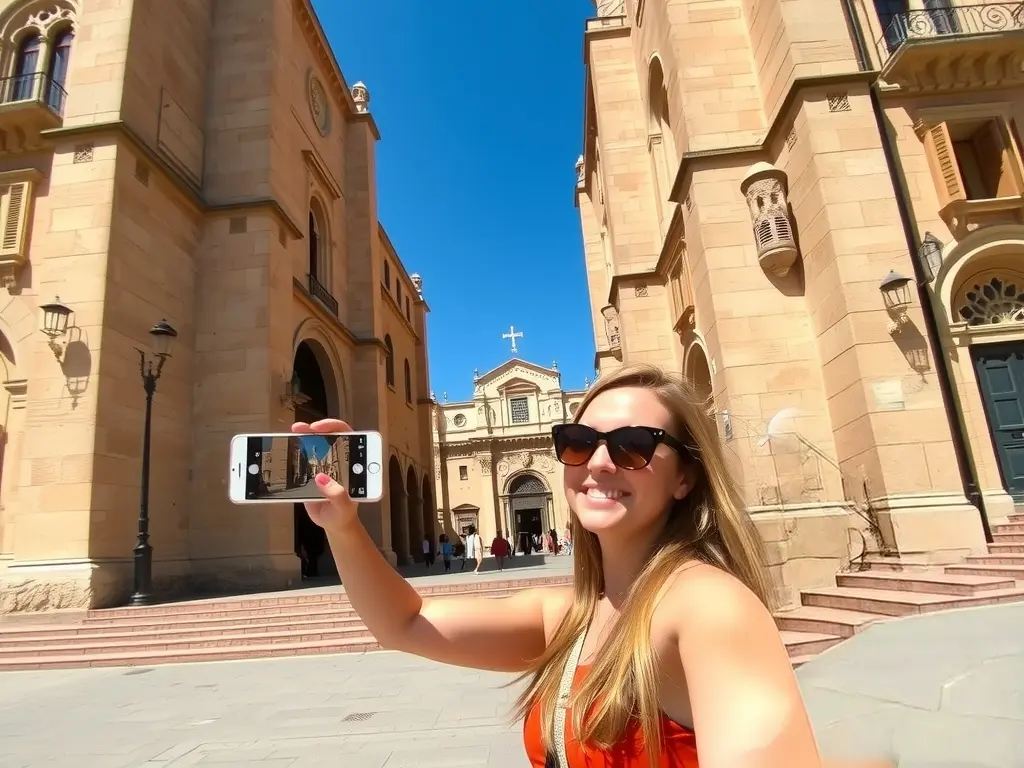 BeforeAfter
Photobombers, gone
Rescue holiday photos from strangers walking through the shot.
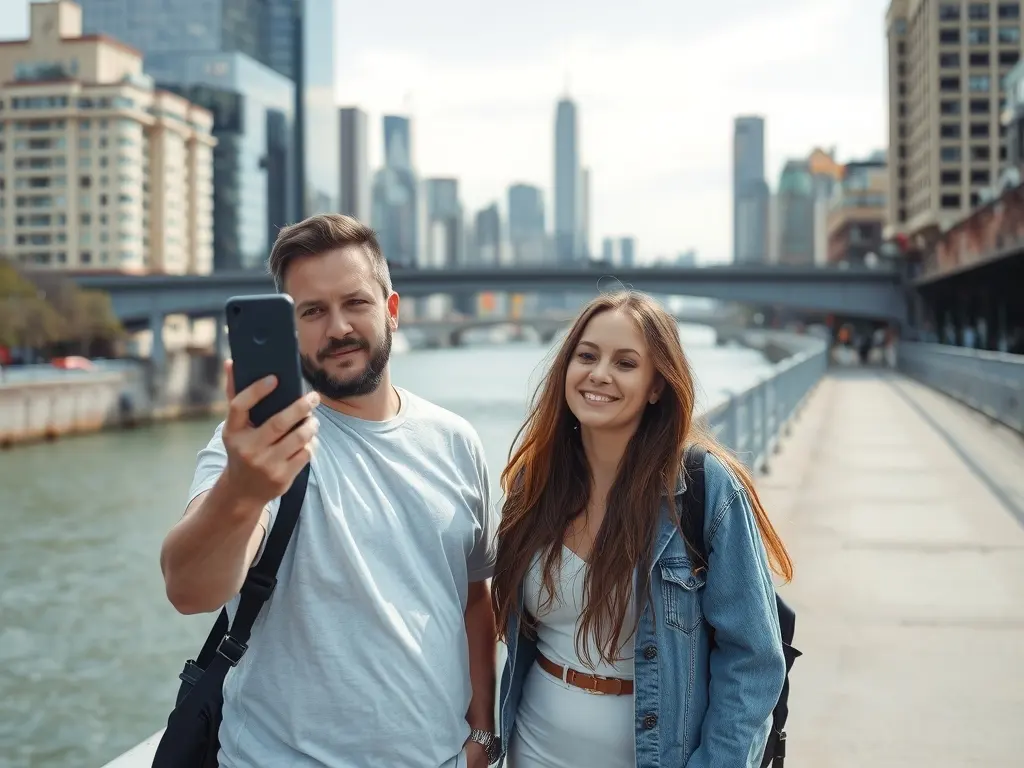
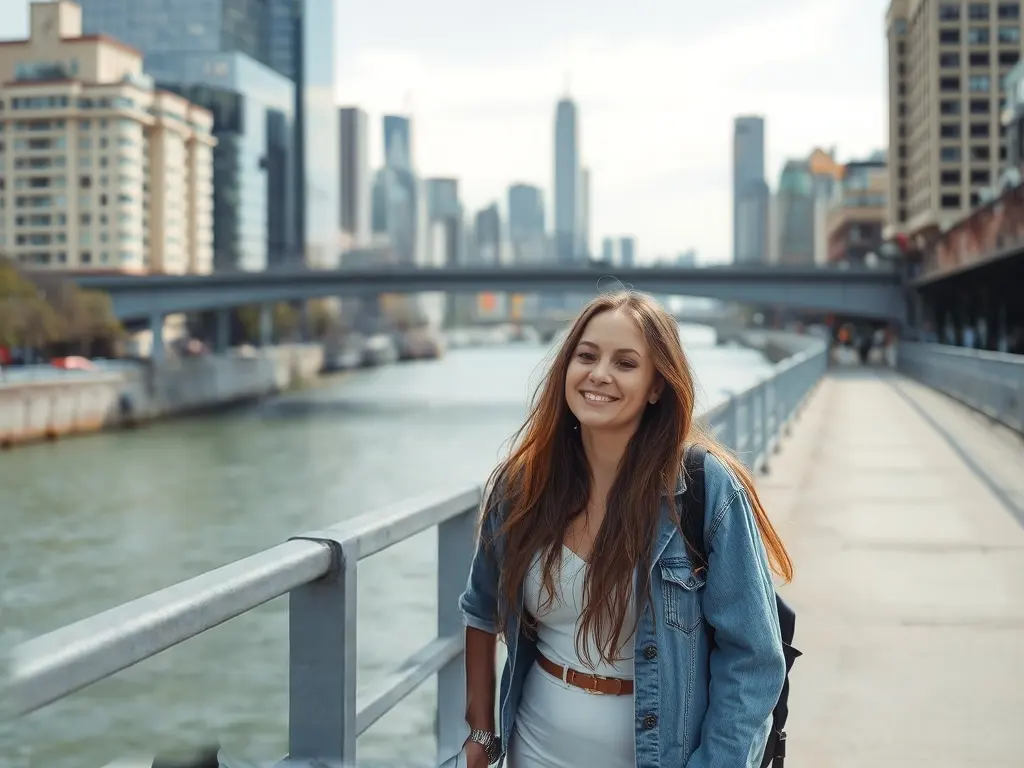 BeforeAfter
Remove a person
Take someone out of a group photo and keep the scene natural.
 BeforeAfter
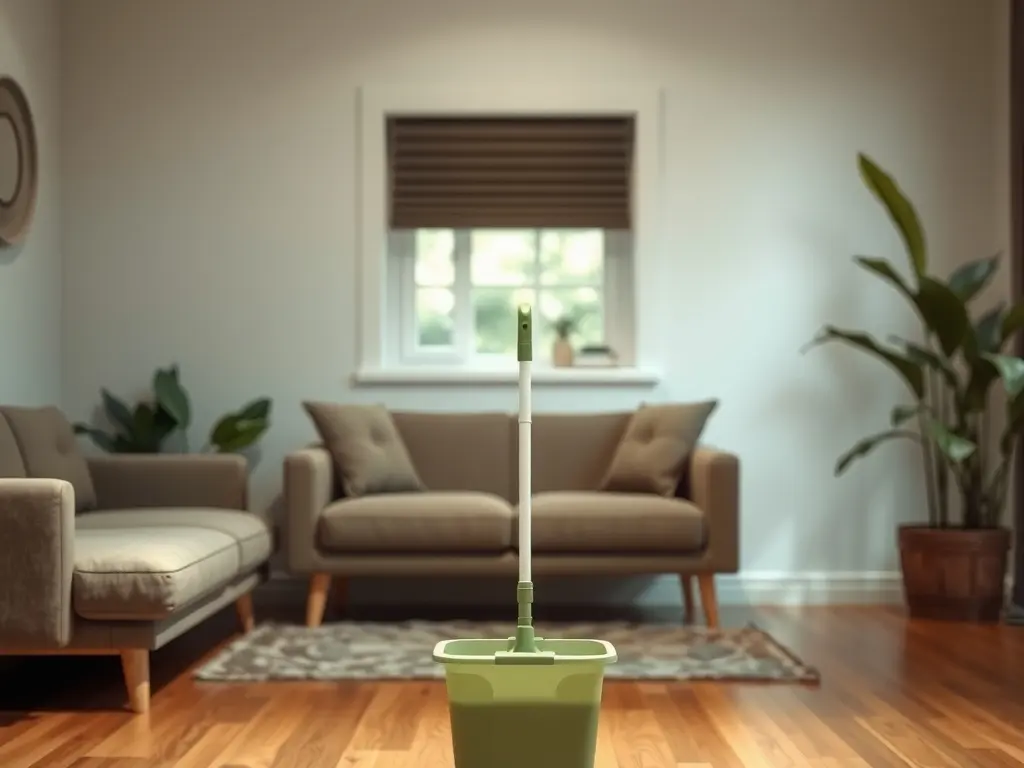
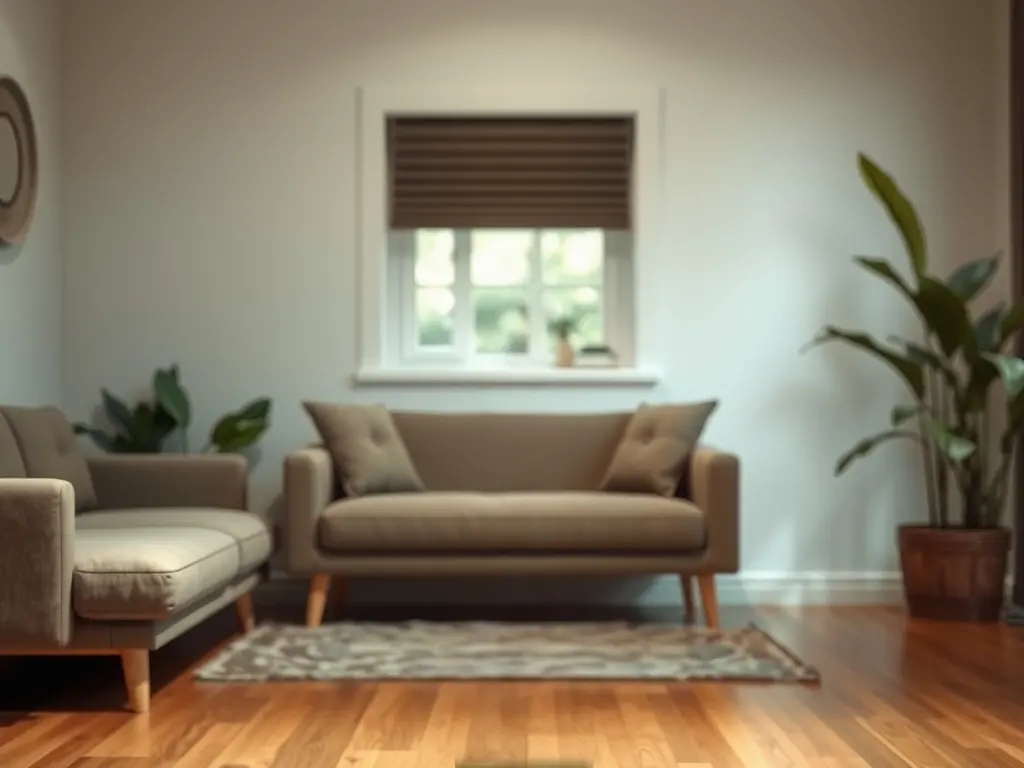
Tidy up clutter
Perfect for property listings, rooms and product shots.
Everything you need to fix a photo
Remove Person & objects
Erase people, cars, signs, bins, wires — anything you can paint over.
Background remover Free
Cut out the subject in one tap. It runs on your device, so your photo isn't uploaded.
New backgrounds
Put your subject on white or any colour — ideal for products and profile pictures.
HD, watermark-free exports
Pro downloads are full quality with no watermark.
Cloud gallery
Your edits are saved to your account so you can pick them up on any device.
Web & Android
Use it in your browser on any device, or get the Android app from Google Play.
Popular uses
Simple pricing
Start free. Upgrade only if you need more.
Free
- Unlimited background removal
- 3 Remove Person credits
- White & colour backgrounds
- Downloads with small watermark
Yearly Pro 7 days free
- Unlimited Remove Person (fair use)
- HD exports, no watermark
- Cloud gallery backup
- Every AI tool unlocked
Monthly Pro
- Everything in Yearly Pro
- Pay month to month
- Cancel any time
Prices in GBP. Payments are handled securely by Stripe on the web and by Google Play in the Android app.
Questions
Is AI Photo Studio free?
Yes. Background removal is free and unlimited, and every new account gets 3 free Remove Person credits. Free downloads carry a small watermark; Pro removes it and unlocks unlimited fair-use Remove Person and HD exports.
How do I remove a person from a photo?
Open the editor, upload your photo, tap Remove Person, paint over the person (including their shadow) and tap Apply Removal. The AI fills the area with matching background in about 15–25 seconds.
Do I need to install anything?
No. It works in any modern browser on phone, tablet or computer, including iPhone. There's also an Android app on Google Play.
Are my photos private?
Background removal runs on your own device, so the photo isn't uploaded. For Remove Person, only the part of the photo around your selection is sent securely to our AI provider to create the edit. Saving to the cloud gallery is optional. See our privacy policy.
How do I cancel Pro?
Cancel any time using the link in your Stripe receipt email, or email info@aiphotostudio.co.uk. The yearly plan's 7-day trial is free if you cancel before it ends.
What works best with Remove Person?
Paint generously over the whole object and its shadow. Busy backgrounds like brick, grass, sky and streets give the most natural results; very large objects covering most of the photo are harder for any AI.
Ready to fix your photo?
Upload a photo and see the result in seconds — it's free to try.